New Website Features - Pinned Tools and a Crontab Generator
We shipped two changes based on what people asked for: a way to keep your go-to tools at the top of the homepage, and a generator for crontab lines.
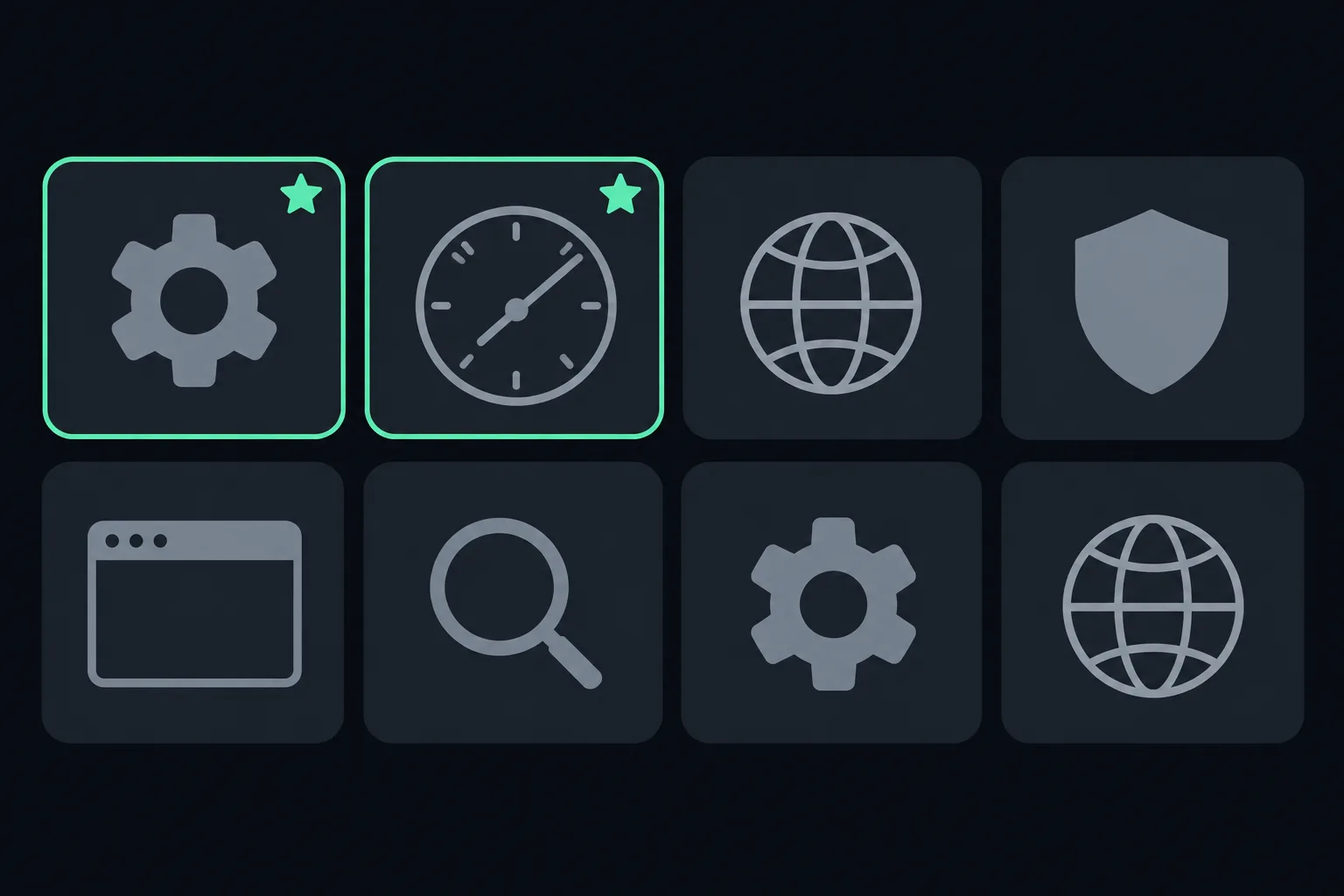
Pin your favorite tools
Every tool card on the homepage now has a star. Click it and the tool moves into the Pinned section at the top of the page. Click the star again to unpin it.
If you haven't pinned anything yet, the Pinned section starts with the DNS lookup, SSL checker, HTTP request and JSON tools. Swap them for whatever you use.
Your pins stay on your device
We store your pinned tools in your browser's local storage. Nothing goes to our servers, and we don't need an account to remember your choices. The flip side: pins don't sync between browsers or devices, and clearing your site data resets them.
Crontab Generator
The Crontab Generator builds the schedule line you paste into crontab -e.
- Pick a frequency. Presets cover common schedules such as every 5 minutes, every 6 hours, every Monday at midnight, and the first day of every month. Choose Custom to set the minute, hour, day of month, month and day of week fields yourself. Any field you leave blank becomes
*. - Add the command you want to run, for example
/usr/local/bin/backup.sh. - Choose what happens to the output: discard it, append it to a log file, or pipe it to
mail.
Picking "Every day at noon," a backup script, and "Save output to file" gives you:
0 12 * * * /usr/local/bin/backup.sh >> /path/to/output.log 2>&1
Replace /path/to/output.log with a real path before you save the crontab. The email option pipes output through mail, so your server needs a working mail setup for it to deliver anything.
If you have an idea for the next tool, email us at [email protected].